Do You Need a Hardware Wallet? A Simple Way to Decide
Some links are affiliate links: if you sign up through them we may earn a commission at no extra cost to you. Not financial advice.
A hardware wallet is a small device that holds your crypto keys offline. It’s one of the best security upgrades you can make, but not everyone needs one on day one. Here’s a simple way to decide.
Where your crypto can live
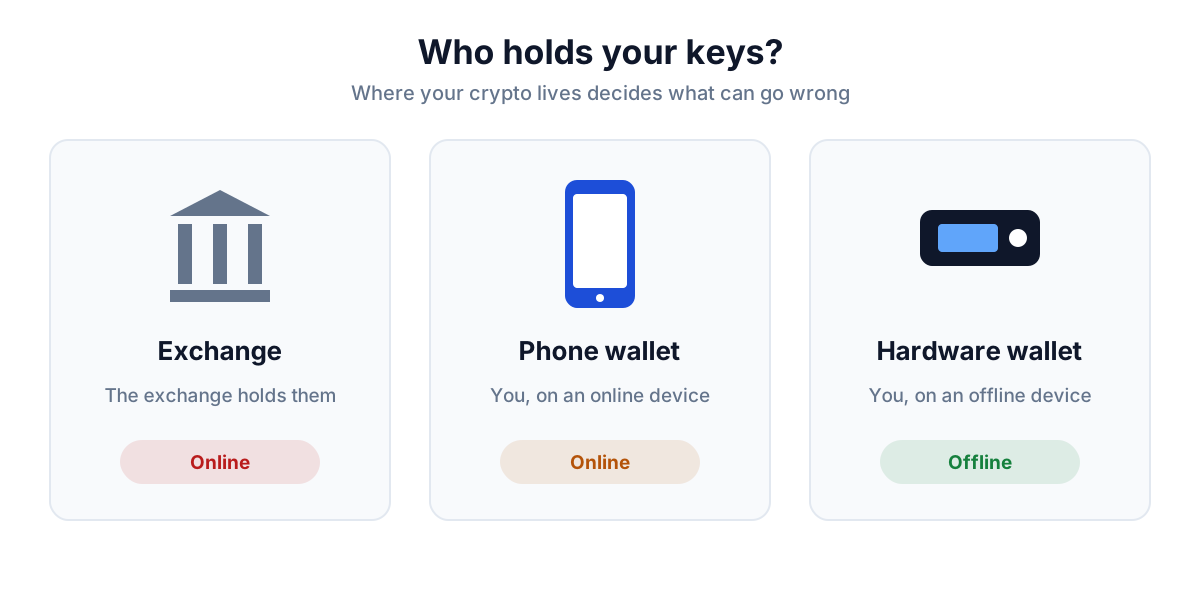
| Option | Who holds the keys | Main risk |
|---|---|---|
| Exchange account | The exchange | The exchange freezes withdrawals, fails, or your account is hacked |
| Phone or browser wallet (Phantom, Solflare) | You, on an internet-connected device | Malware, fake sites and approving a malicious transaction |
| Hardware wallet | You, on a device that never goes online | Losing your backup, or being tricked into giving it away |
A rule of thumb
- Small amounts you’re testing with: an exchange or phone wallet is fine.
- More than you’d be comfortable losing: move it to a wallet you control.
- Worth several times the price of a device (most cost US$55–200): a hardware wallet pays for itself.
What a hardware wallet protects you from
- Malware and remote hacks. Every transaction has to be approved on the device, so software on your computer or phone can’t move funds by itself.
- Exchange problems. Your coins aren’t sitting in someone else’s account.
What it doesn’t protect you from
- Giving away your recovery phrase. If you type it into a website or tell it to “support”, the device can’t help you.
- Approving a bad transaction. Read what you’re signing. If a site asks you to approve something you don’t understand, stop.
- Losing your backup. No phrase (or, with Tangem, no backup card) means no recovery.
If you decide to get one
Compare the three main options for Solana in best hardware wallet for Solana. Then:
- Buy new, from the official store.
- Write your recovery phrase on paper, or store backup cards separately.
- Send a small test amount first.
Read next: how to protect your seed phrase · wallet drained: what to do