Best Hardware Wallet for Solana: Ledger vs Trezor vs Tangem
Some links are affiliate links: if you sign up through them we may earn a commission at no extra cost to you. Not financial advice.
A hardware wallet keeps your Solana keys off your computer and phone, so a hacked device or a bad link can’t empty your wallet on its own. Ledger, Trezor and Tangem all support Solana. They take different approaches, and the best one depends on how you use crypto.
Quick pick
- Ledger: the best all-rounder if you use Solana apps with Phantom or Solflare on a computer.
- Trezor: for people who want open-source firmware and a simple, transparent design.
- Tangem: the easiest option for phone users who don’t want to manage a seed phrase.
Side by side
| Ledger | Trezor | Tangem | |
|---|---|---|---|
| Form | USB / Bluetooth device with screen | USB device with screen | NFC card, no screen |
| Backup | Recovery phrase (optional paid Ledger Recover) | Recovery phrase | 2–3 backup cards; recovery phrase optional |
| Approve transactions | On the device screen | On the device screen | Tap card on phone, approve in app |
| Works with Phantom / Solflare | Yes | Yes, recent models | Not directly; use the Tangem app |
| Firmware | Closed-source, secure element | Open-source | Closed-source, EAL6+ chip |
| Needs | Computer or phone | Computer (some models phone) | Phone with NFC |
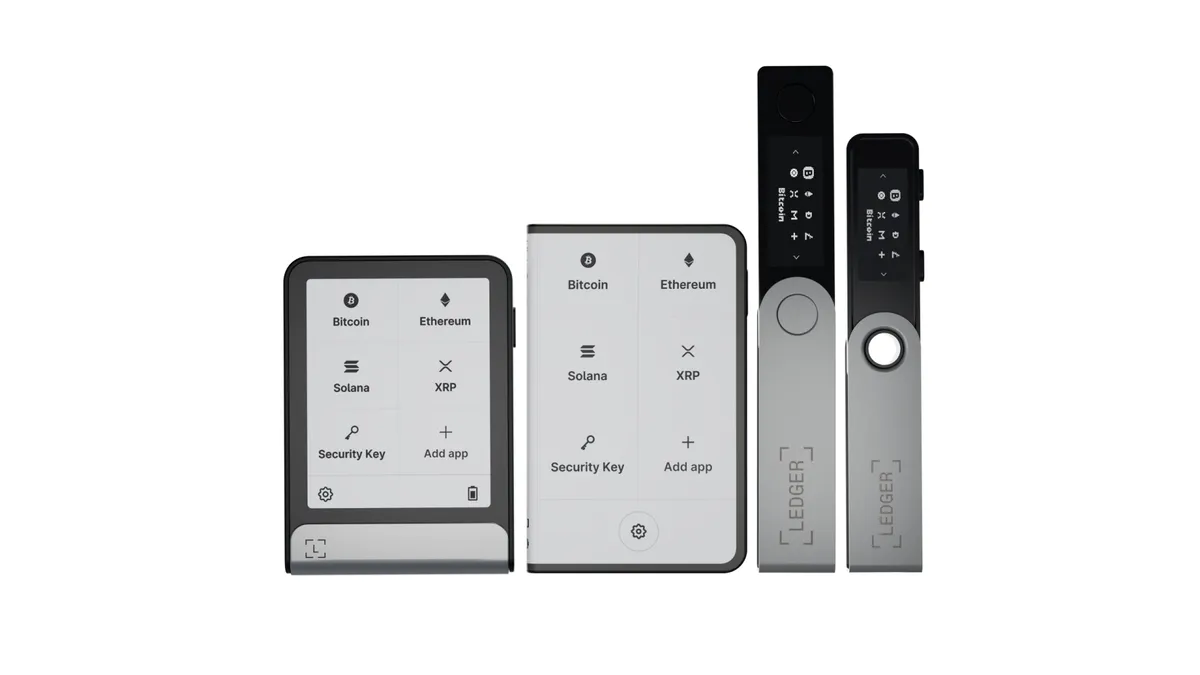
Features change between models. Check the specific model on the official site before you buy: Ledger, Trezor, Tangem.
Which one should you buy?
You use Solana apps on a computer (DeFi, NFTs, staking through Phantom or Solflare): get a Ledger or Trezor. They plug into the wallet extension you already use, and you confirm each transaction on the device’s own screen. See Ledger with Phantom.
You care most about open source: Trezor. Its firmware can be inspected by anyone. Read the full Ledger vs Trezor comparison.
You mainly hold SOL on your phone and want it simple: Tangem. No cables and no words to write down by default. The backup cards are the backup, so store them in separate places. Read our Tangem for Solana guide.
Rules that apply to all three
- Buy new from the official store. Never second-hand, and be careful with marketplace sellers.
- Nobody legitimate will ever ask for your recovery phrase, access code or PIN: not support, not an airdrop, not a “wallet sync” site.
- Send a small test amount before moving everything.
- Keep your backup (phrase or cards) away from the device itself.